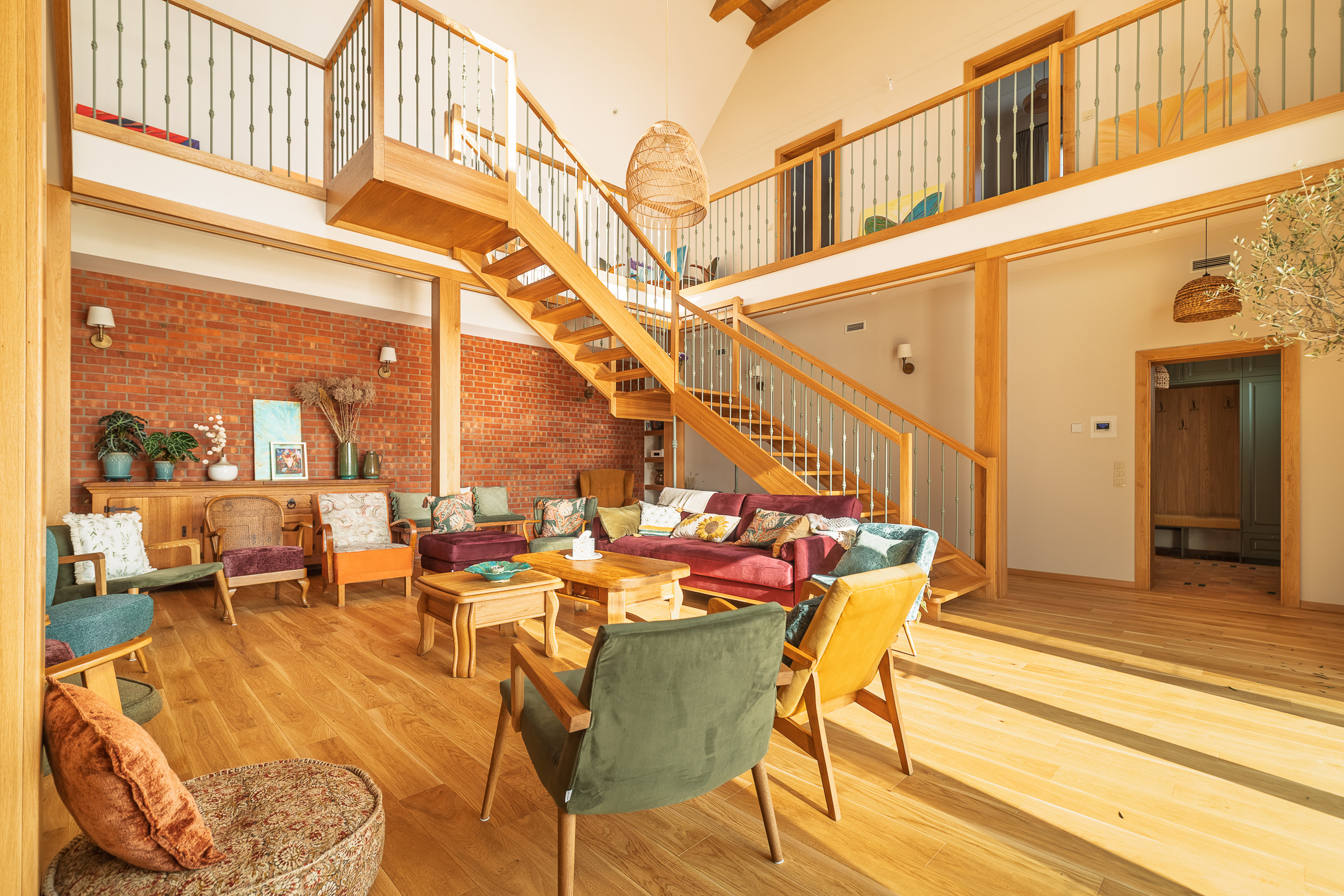
Restaurants and cafés
Guests see the dining room and the décor before booking a table — next to the menu and reviews on Google Maps.


360° panoramas of your premises on Google Street View and Google Maps, linked to your Google Business Profile. Wrocław and Lower Silesia.
A Google Street View tour is a set of 360° panoramas of your business interior, published on Google Maps and linked to your Business Profile. A customer looking for a restaurant, a clinic or a salon can look inside straight from the search results — before calling or coming in.
I shoot with a camera, not an automatic 3D scanner, so the image is sharp and the colours natural. The same shoot can also produce an extended tour for your website — with descriptions, photos and contact buttons. See the virtual tours offer →
These are real tours from my Google account. Drag to look around and use the arrows to move on — exactly as your customer will see it.
A Google tour shows your interior where customers already search — in the search results, on Maps and on your Business Profile.
Guests see the dining room and the décor before booking a table — next to the menu and reviews on Google Maps.
Rooms, reception and common areas to explore even before booking.
Patients know the waiting room and the way to the consulting room before their first visit.
The atmosphere sells the service — customers see where they'll sit before they book.
Customers browse your display on Maps and arrive with a clear intention.
A company headquarters or a school — easier to find the right entrance and easier to trust.
The panoramas appear on Maps, in Street View and on your Business Profile — right where customers search.
Customers know what your premises look like and where the entrance is before they come.
A sharp, bright interior with no blown-out windows or dark corners.
I remove passers-by in retouching and never photograph documents or screens with data.
I place the first panorama at the door so the tour can connect to the street.
I fix panorama positions and the link to your Business Profile after publishing too, at no extra cost.
We agree on the scope and placement of the panoramas — remotely or during a short site visit.
You create or verify your Google Business Profile, and I check that the pin sits at the entrance.
I photograph the finished, tidied premises with the lights on. For about 200 m² it takes roughly an hour.
I send the panoramas for your approval, then publish the tour and link it to your Business Profile.
A Street View tour is part of Google Maps — customers view the interior straight from the search results and your Business Profile, without visiting your website. A website tour (Pano2VR) offers more: descriptions, photos, a floor plan or contact buttons. Both can be made from the same shoot.
Yes — I link the tour to a verified Google Business Profile. Verifying a new profile takes up to five business days, so it is worth starting in parallel with preparing the premises. I help set it up and check that the pin sits exactly at the entrance — linking the tour depends on it.
For premises of about 200 m², the shoot takes roughly an hour if the interior is ready: finished, tidied and with the lights on. Editing, linking the transitions and publishing usually take up to a week. Before publishing, I send the panoramas for your approval.
No. I shoot without people in the frame and remove any passers-by in retouching. I also never capture documents or screens with data.
I place the first panorama at the entrance door so the tour can connect to the street. Whether it actually connects to the Street View road network is decided by Google's algorithm, not the photographer — so I don't promise it, but I do everything to make it happen.
I correct panorama positions, directions and the link to your Business Profile after publishing too — as part of the service, at no extra cost.
Contact us or get a quote online — we will reply in 24 hours.