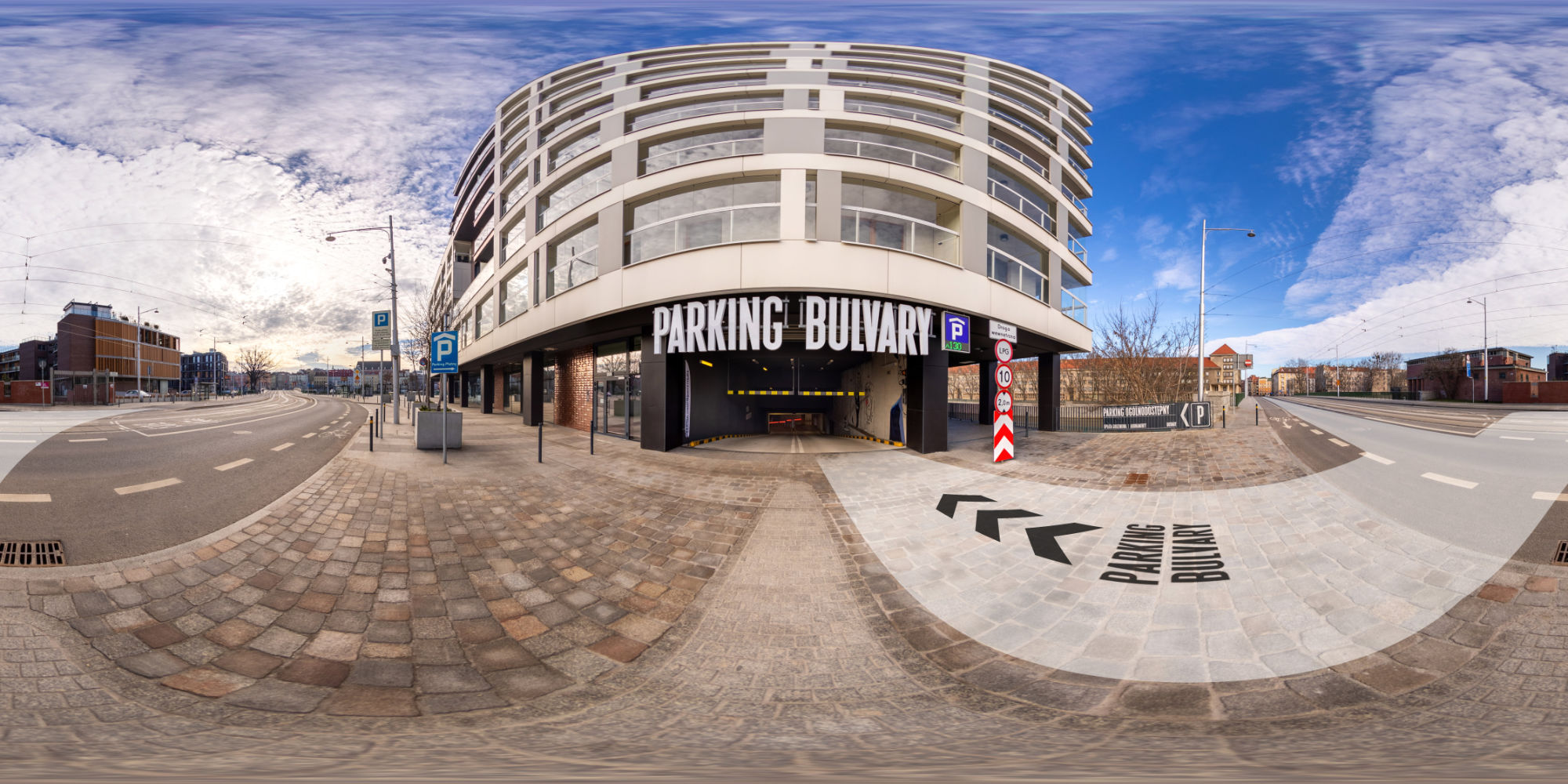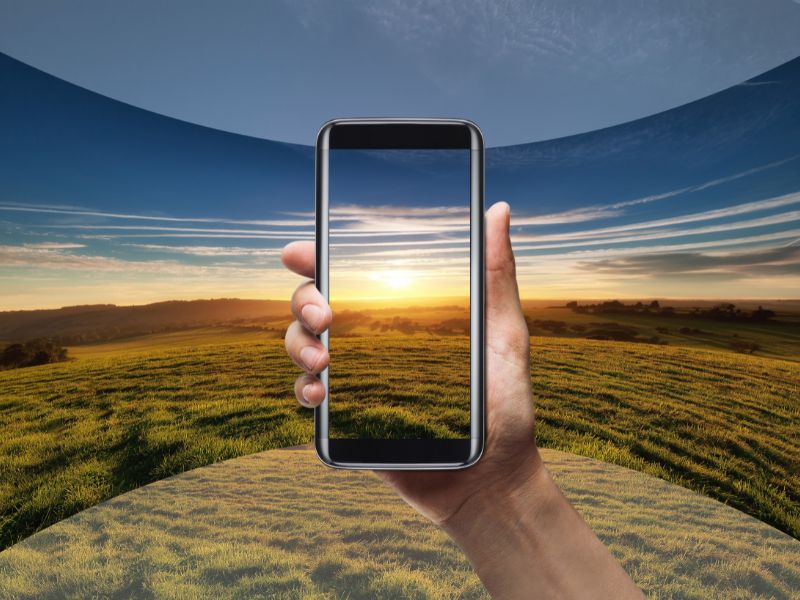
To take a 360-degree photo with your smartphone, you can use a panoramic photography app available in your phone's app store. To take the photo, start by placing your phone in the central spot where you want to capture the image. Then, launch the app and hold down the shutter button to start shooting. Move your phone slowly and steadily around the central point, and the app will automatically stitch the individual photos into one 360-degree panoramic image.
There are many different panoramic photography apps you can use to take 360-degree photos on your smartphone. Some of them include: Google Street View, Panorama 360, Photaf Panorama, 360 Panorama, Panorama Camera 360, and many others. To find the right app for your phone, you can search the app store for keywords like "panorama", "360", "panoramic photography", etc. Once the app is installed, you can launch it and start taking 360-degree photos.
To post a 360-degree photo on Facebook, you first need to save it to your smartphone's photo gallery. Next, open the Facebook app and go to the "Write something" section on your main feed. Click the photo icon to add a photo from your gallery, and then select the 360 photo you want to post. After adding the photo to your post, you can add a description or other additional information, and then click the "Post" button in the top right corner to publish your post with the 360-degree photo on Facebook.
Grafoto - to keep your business spinning!
#grafoto #Grafoto #photography #360photography #interiorphotography #streetviewphotography #realestatephotography #360photo
There are many different panoramic photography apps you can use to take 360-degree photos on your smartphone. Some of them include: Google Street View, Panorama 360, Photaf Panorama, 360 Panorama, Panorama Camera 360, and many others. To find the right app for your phone, you can search the app store for keywords like "panorama", "360", "panoramic photography", etc. Once the app is installed, you can launch it and start taking 360-degree photos.
To post a 360-degree photo on Facebook, you first need to save it to your smartphone's photo gallery. Next, open the Facebook app and go to the "Write something" section on your main feed. Click the photo icon to add a photo from your gallery, and then select the 360 photo you want to post. After adding the photo to your post, you can add a description or other additional information, and then click the "Post" button in the top right corner to publish your post with the 360-degree photo on Facebook.
Grafoto - to keep your business spinning!
#grafoto #Grafoto #photography #360photography #interiorphotography #streetviewphotography #realestatephotography #360photo